Google Ads says it brought the lead. Display & Video 360 says it brought the lead. Meta says it brought the lead too. The sales team received one lead.
So who’s counting, and with which definition of a “lead”? That question is where Floodlight conversion tracking comes in, and where most of the confusion starts. People compare “conversion tracking vs Floodlight” as if they were two rival tools. They aren’t on the same level at all.
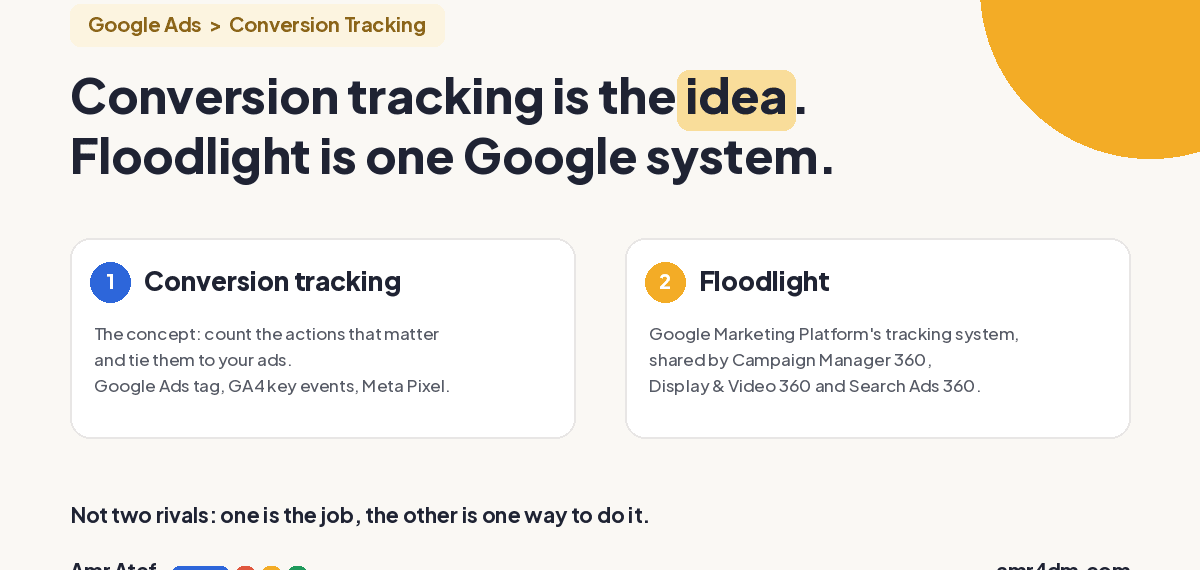
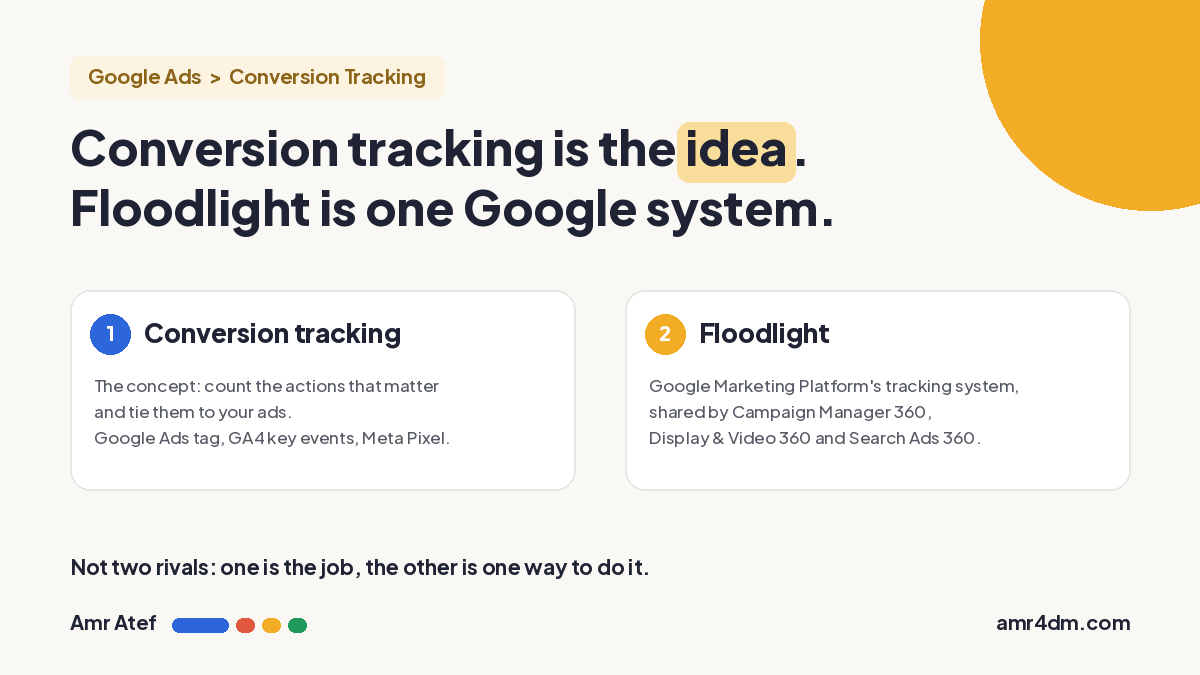
Quick answer: Conversion tracking is the general idea: counting the actions that matter to your business and tying them back to your ads. Floodlight conversion tracking is one specific way to do it, built for Google Marketing Platform: Campaign Manager 360, Display & Video 360 and Search Ads 360 share the same Floodlight tags and conversion definitions.
- If you only run Google Ads, the Google Ads conversion tag (or imported GA4 key events) is enough. You don’t need Floodlight to “improve tracking”.
- Floodlight earns its place when you buy media across several Google Marketing Platform tools and need one shared definition of a conversion.
- Neither one knows which leads were qualified or which became sales. That needs a CRM connection through offline conversions.
What Is Conversion Tracking?
A conversion is any action that matters to your business after someone sees or clicks your ad: a form sent, a purchase, a phone call. Conversion tracking is how you count those actions and connect each one to the ad that led to it. Without it, you know what you spent, but not what you got back.
Every ad platform has its own way of doing this. A few examples:
- Google Ads conversion actions: Google defines a conversion action as “a specific customer activity that is valuable to your business” (Google Ads Help).
- GA4 key events imported into Google Ads: you mark an event as a key event in Google Analytics 4, then import it into Google Ads as a conversion (Analytics Help).
- Meta Pixel: “a snippet of JavaScript code that allows you to track visitor activity on your website” (Meta for Developers).
Whatever you count becomes the definition of success for that platform, including for its bidding. I covered that side in detail in Google Ads conversion tracking: check it before you raise your budget.
What Is Floodlight Conversion Tracking?
Google puts it in one line: “Floodlight is the conversion tracking system for the Google Marketing Platform” (Campaign Manager 360 Help). Google Marketing Platform (GMP) is Google’s enterprise ad stack. The three tools that matter here:
- Campaign Manager 360 (CM360): ad serving and measurement across channels. It holds the parent Floodlight configuration, the container for your Floodlight tags.
- Display & Video 360 (DV360): buying display, video and programmatic media.
- Search Ads 360 (SA360): managing search campaigns, often across several search engines.
The point of Floodlight is that one set of tags on your site serves all three. Google’s help page says Floodlight tracks conversions and user events across these products, and the settings sync from Campaign Manager 360 to Search Ads 360. In plain terms: the three tools read the same conversion, with the same name and the same counting rules.
Each thing you track in Floodlight is a Floodlight activity. Google describes it as “a snippet of HTML code that is used to track conversions” (Display & Video 360 Help). So “Lead submitted” or “Purchase” would each be an activity.
Conversion Tracking vs Floodlight, Side by Side
| Conversion tracking | Floodlight | |
|---|---|---|
| What it is | The general concept: measure conversions and link them to ads | A specific tracking system inside Google Marketing Platform |
| Examples | Google Ads conversion tag, GA4 key events imported into Google Ads, Meta Pixel | Floodlight activities for leads and sales |
| Where it lives | Every ad platform has its own version | Campaign Manager 360, Display & Video 360, Search Ads 360 |
| Main benefit | Know how many conversions your campaigns drove and at what cost, and feed that data to bidding | One shared conversion definition across connected GMP tools, for reporting and optimization |
| Who usually needs it | Every advertiser | Advertisers and agencies buying through GMP |
So the honest comparison isn’t “conversion tracking vs Floodlight”. It’s “the Google Ads conversion tag vs a Floodlight activity”, and the right one depends on where you buy your media.
Example: A Real Estate Company in Dubai
Take a real estate developer in Dubai collecting leads for a new project. This is a hypothetical case, with no real numbers.
Setup 1: Google Ads only. The company runs Search campaigns in Google Ads. It creates a conversion action called Lead Submitted that fires when the form is sent successfully, not when the button is clicked. Google Ads counts it, reports it and bids on it. Done. No Floodlight needed.
Setup 2: search through SA360, display and video through DV360. Now two tools are buying media. If each one had its own separate lead tag, you’d get two reports, two definitions, and a strong temptation to add the numbers together. A person who saw a YouTube ad and later clicked a search ad could easily be counted by both.
With Floodlight, the company creates one Floodlight activity for the lead. Both tools read the same activity. Google says that because conversions are shared, a user who clicks a display ad and then a search ad before converting is reported once, according to your attribution model (About Floodlight).
| Separate tags per tool | One Floodlight activity | |
|---|---|---|
| Definition of a lead | Can differ between tools | The same for SA360 and DV360 |
| Same person touches display, then search | Each tool may claim the lead | Counted once, credited by the attribution model |
| The question you can answer | “How many leads does each tool say it got?” | “What did each channel contribute to the leads we actually got?” |
That last row is the real benefit. You stop adding up claims and start reading contribution.
Floodlight Counter vs Sales Activities
When you create a Floodlight activity, you choose its type. There are two, and they answer different questions (Create a Floodlight activity):
| Counter activity | Sales activity | |
|---|---|---|
| Answers | How many times did this happen? | How many sales, and how much were they worth? |
| Typical use | Form submits, sign-ups, key page visits | Purchases and their revenue |
| Counting methods | Standard (every conversion), Unique (first conversion per user per day), Per session (one per user per session) | Transactions (number of sales and revenue), Items sold (units sold and revenue) |
In the real estate example, the lead is a counter activity. Unique or per session counting usually fits a lead, so one person sending the form three times doesn’t become three leads. Google’s own guidance in Campaign Manager 360 recommends counting one per user or one per session for leads and sign-ups, and every conversion for purchases (How Floodlight counts conversions). It’s the same logic as Count: One for leads in Google Ads.
What Floodlight Conversion Tracking Doesn’t Fix
Floodlight is useful, but it’s easy to oversell. Three limits worth knowing before anyone promises “one source of truth”:
- It only shares conversions inside Google Marketing Platform. Floodlight doesn’t deduplicate against Meta, TikTok or any non-Google platform. If Meta also claims the lead, that conflict is still yours to sort out.
- Deduplication follows your setup. Credit is given according to your attribution model, and reports can still differ between tools. Google’s developer FAQ is direct about one case: if you insert the same conversion into both Campaign Manager 360 and Search Ads 360, “the entries won’t be deduplicated” (Campaign Manager 360 API FAQ).
- It doesn’t know lead quality. Floodlight counts the form. It doesn’t know the lead was a broker, a wrong number, or a buyer who signed. Same for the Google Ads tag.
That last point matters most for lead generation. If you want bidding to learn from qualified leads or closed sales, you need to send that data back from your CRM. In Google Ads that’s offline conversion imports, which let you “measure what happens in the offline world after your ad results in a click or call to your business” (Google Ads Help). It doesn’t happen on its own, with either system. Someone has to build it.
Do You Need Floodlight?
Here’s how I’d decide, as a media buyer:
| Your situation | Start with |
|---|---|
| You run Google Ads only | Google Ads conversion actions or imported GA4 key events. Floodlight won’t “improve” your tracking here. |
| You run Google Ads and Meta | Each platform’s own tracking, plus a neutral view (GA4 or your CRM) to compare against. Floodlight doesn’t cover Meta. |
| You buy through SA360, DV360 or CM360 | Floodlight, with one activity per business action shared across the tools. |
| You care about qualified leads or real sales | A CRM connection through offline conversions, whatever tag you use. |
Whichever system you use, run these checks before you trust the numbers:
- Write down the definition. One sentence per conversion: “A lead is a successful form submission on the project page.” If two people on the team define it differently, the tracking will too.
- Fire on success, not on click. The tag should fire on the thank-you state, not when someone presses the button.
- Pick the counting method on purpose. One per user or per session for leads, every conversion for purchases.
- Compare with what sales received. Put the platform’s lead count next to the CRM count for the same week. A big gap is the first thing to investigate.
- Don’t add up platform totals. Each platform reports from its own view. The sum is almost always more than reality.
More From This Google Ads Series
- Google Ads Conversion Tracking: Check It Before You Raise Your Budget
- Lost Impression Share in Google Ads: Is It Budget or Rank?
- Google Ads Search Terms Report: The First Check Every New Advertiser Should Make
- Google Ads Match Types: Why Exact Match Isn’t Exact Anymore
- What Is Media Buying? The 185-Year History of a Middleman Job
Frequently Asked Questions
What is Floodlight conversion tracking?
Floodlight is the conversion tracking system of Google Marketing Platform. One set of Floodlight tags lets Campaign Manager 360, Display and Video 360 and Search Ads 360 share the same conversions and conversion definitions.
Is Floodlight better than Google Ads conversion tracking?
Not by itself. If you only run Google Ads, the Google Ads conversion tag or imported GA4 key events are enough. Floodlight helps when you buy media through several Google Marketing Platform tools and need one shared definition of a conversion.
What is the difference between Floodlight counter and sales activities?
Counter activities count how many times an action happens, such as a form submission or sign-up. Sales activities track purchases, the number of sales or items sold, and their revenue.
Does Floodlight remove double counting between Google and Meta?
No. Floodlight shares conversions only across Google Marketing Platform tools, and credit follows your attribution model. It does not deduplicate conversions that Meta or other non-Google platforms also claim.
Can Floodlight track qualified leads or CRM sales?
Not automatically. Floodlight and the Google Ads tag count actions on your site. To measure qualified leads or closed sales, you need to send that data back from your CRM, for example through offline conversion imports.
Sources
- About Floodlight and Floodlight activities, Campaign Manager 360 Help
- Create a Floodlight activity, Display & Video 360 Help
- How Floodlight counts conversions, Campaign Manager 360 Help
- How Floodlight activities are shared between Campaign Manager 360 and Search Ads 360, Campaign Manager 360 Help
- Conversions: frequently asked questions, Campaign Manager 360 API, Google for Developers
- About conversion tracking, Google Ads Help
- Create Google Ads conversions based on Google Analytics key events, Analytics Help
- About offline conversion imports, Google Ads Help
- Meta Pixel, Meta for Developers
How many platforms are claiming the same lead in your account right now, and which number does your sales team trust? Tell me on LinkedIn, and subscribe on YouTube for more Google Ads breakdowns.
About the author: Amr Atef is a Dubai-based performance marketing specialist focused on Google Ads and marketing technology, and the builder of BenaAds. He writes a practical Google Ads series for new advertisers. Follow him on LinkedIn and YouTube, or read more about Amr.
