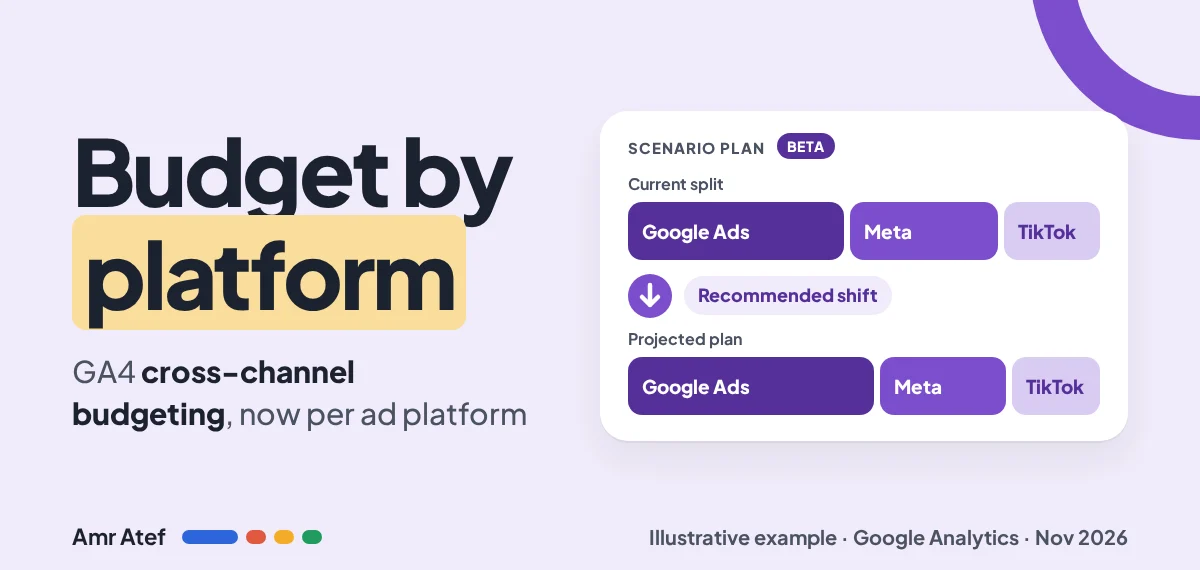
Every media buyer who runs Google Ads and Meta side by side has had the same meeting. Finance asks where the next dollar should go, Google Ads says Google, Meta says Meta, and you end up defending a spreadsheet. On November 19, 2026, Google Analytics announced that GA4 cross-channel budgeting now supports source platform dimensions. In plain words: the free budget planner inside GA4 can now put Google Ads, Meta, TikTok and your other platforms on their own lines and tell you how to split the money between them. That’s useful. It’s also Google grading its own homework, and this guide covers both sides.
Quick answer: Cross-channel budgeting is a beta planning tool in the GA4 Advertising section. Projection plans track live campaigns against a budget, conversion or revenue target. Scenario plans model the return at different budget levels for a future period. Since November 19, 2026, both can break results down by individual ad platform, not just by channel group. It never changes your budgets. To use it you need a Google Ads link, data-driven attribution and at least a year of cost data from two or more channels, including at least one non-Google platform imported into GA4.
- Use it as a second opinion on budget split, not as the final word.
- The model counts click-through conversions and YouTube engaged-view conversions. View-through value on Meta or TikTok isn’t in it yet.
- Check its “shift budget” advice against platform data, a lift test or an MMM before you move real money.
What Changed in GA4 Cross-Channel Budgeting?
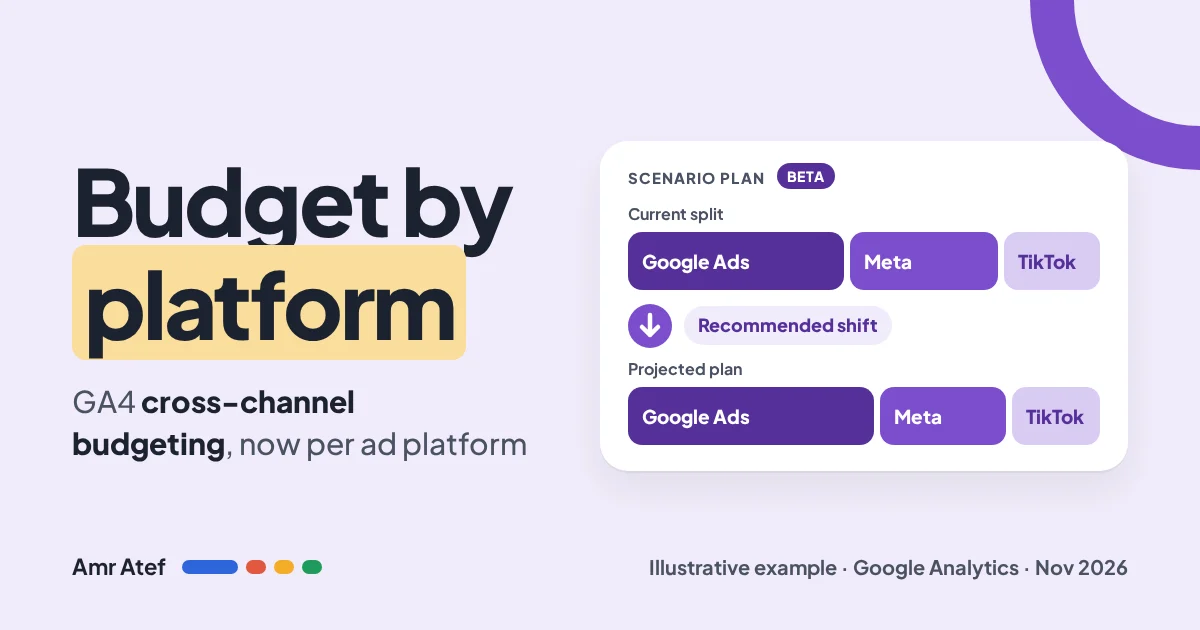
The announcement came as a short Google Analytics post on LinkedIn on November 19, 2026: “Cross-channel budgeting in Google Analytics now supports source platform dimensions.” It promised three things: evaluate individual ad platforms side by side, track pacing and shift budget to the highest-return platforms, and model future scenarios with response curves backed by data-driven attribution.
The About cross-channel budgeting help page gives the change one sentence. Google is launching new source grouping dimensions, source platform dimensions and, for alpha users only, source platform by campaign type dimensions.
Why it matters: before this, the planner talked in channel groups like Paid Search, Paid Social or Display. That’s not how budgets are owned. Budgets sit in ad accounts. A recommendation like “move money from Paid Social to Paid Search” doesn’t tell you whether to cut Meta or TikTok. A line for each platform does.
GA4 cross-channel budgeting itself isn’t new. According to PPC Land, cross-channel budgeting has been in beta since January 16, 2026. What changed is the level of detail. And one sentence on Google’s page hasn’t changed: “These tools are for planning purposes only and won’t affect budgets or spend in your connected accounts.” Nothing moves until you move it yourself.
How It Works: Projections vs Scenario Plans
You’ll find both tools in GA4 under Advertising, then Budgeting. The Advertising section is desktop only, and Google says the feature may not be available on every property yet.
| Projection plan | Scenario plan | |
|---|---|---|
| Question it answers | Am I on track this quarter? | How should I split next quarter’s budget? |
| Time | In-flight campaigns | Future dates only |
| Target KPI | Budget, conversions or revenue | Conversions or revenue |
| Conversions | From the eligible list | One conversion per plan |
| Output | Actual vs projected line, confidence band, most and least efficient channels | Response curve, suggested allocation, projected result if you change nothing |
| Refresh | Updates as data comes in | Frozen at creation. Build a new plan to refresh it |
Under both plan types in GA4 cross-channel budgeting sits a model. Most properties get the DDA-based budgeting model, in beta for GA4 and GA4 360. It feeds your property’s data-driven attribution into a Bayesian regression and learns a response curve per channel from 12 months of history. Select GA4 360 customers can get the Meridian-based model, which is in alpha. Meridian is Google’s open-source marketing mix model. It doesn’t use attribution as an input, and it needs at least two years of cost and conversion data.
Setup Checklist: Getting GA4 Cross-Channel Budgeting to Work
Here’s a hypothetical example to keep things concrete. A Dubai e-commerce brand spends on Google Ads, Meta and TikTok, and wants to plan Q1 2027. Here’s what has to be true before GA4 cross-channel budgeting will give it a plan.
- Link Google Ads and set up conversions. The help page lists this as the first requirement for the Advertising section. If your purchase event is broken or double-counted, every curve built on it is wrong. My Google Ads conversion tracking guide covers the checks. If you buy through Campaign Manager 360, the same goes for Floodlight conversion tracking.
- Use data-driven attribution. Scenario plans need DDA from your GA4 property. If you switched to last click for reporting, the DDA model has nothing to work with.
- Use a web conversion that isn’t a key event. Google’s DDA model page says web conversions are supported, app conversions aren’t yet, and key events aren’t supported. Each conversion needs at least one year of data to be eligible.
- Import non-Google cost data. This is the real gate. The DDA model needs at least one year of campaign data from at least two channels, including Google and non-Google. Use campaign data import, Google’s native connectors where they exist, or a pipeline tool. I showed one way to move platform data around in my Supermetrics campaign management article. If you run smaller platforms like Reddit Ads, import them too, or the model will treat that spend as invisible.
- Fix your UTMs before you import. The imported values for utm_source, utm_medium and utm_campaign have to match what GA4 logged exactly. Google’s own example: “Facebook” and “facebook” are not a match. Set
utm_source_platformtoo. Google’s URL builder guide recommends it alongside source, medium, campaign and id, and it defines it as the platform that sets budgets and targeting. Budgeting reports and forecasts by the Source platform dimension, so this is the field that decides which line your spend lands on. - Include impressions in your imports. They aren’t a model input yet, but Google’s page says to include them “to prepare for future updates”. The DDA page also lists missing third-party cost and impression data as a reason a model can fail its checks. It costs you one extra column.
- Wait for the checks. After you meet the requirements, Google says model evaluation can take up to 2 days. Then check the Budgeting overview page for model status and your cost import match rate.
For our Dubai brand, the hard part is step 4. If its Meta and TikTok cost history only goes back six months in GA4, it isn’t eligible yet, however clean the rest is. Start the imports now, and backfill if your connector allows it.
How to Read a Scenario Plan
The response curve
A response curve plots spend on one axis and conversions or revenue on the other. It rises fast at first, then flattens. That flattening is diminishing returns: each extra dollar buys less than the one before. The point of a scenario plan is to find where each platform’s curve still has room to climb, and where you’re already paying a lot for very little.
Suppose, hypothetically, the brand’s curves say Google Ads Search is close to flat at its current spend, while Meta still has room. Then the cheapest extra conversions are on Meta, even if Search has the better average ROAS today. Averages tell you how a channel did. The slope of the curve tells you what the next dollar will do. That difference is the most useful idea in the whole tool, and it’s the core of good media buying.
What a “shift budget” recommendation really means
When the plan says “move X from platform A to platform B”, read it as: if the curves learned from last year’s attributed data still hold, this split should produce more of your one chosen conversion. Three things hide inside that sentence.
- It’s one conversion. A plan built on purchases says nothing about leads or app installs.
- It’s a snapshot. The curve reflects conditions when you created the plan and doesn’t update on its own. Build a new plan when the market changes.
- It’s an estimate. Google says the outputs aren’t guarantees. Look at the confidence band. A wide band means the model isn’t sure, often because something changed in your data.
Also look at the target. In the illustrative screen Google shared with the post, PPC Land noted that the optimised plan spent more and bought 17.36% more conversions, at a 19.21% higher cost per conversion. That’s what “maximise conversions for this budget” does. If your finance team cares about cost per acquisition, set the plan up with that in mind and don’t read “more conversions” as “more efficient”.
The Bias Problem: Google Ads vs Meta, Judged by Google
Here’s the part the LinkedIn post doesn’t mention. The tool now ranks Google Ads against Meta and TikTok, and the model doing the ranking belongs to Google. That doesn’t make it wrong, but you should know what it can and can’t see.
- It’s click-based. The budgeting models use click-through conversions, YouTube engaged-view conversions and cost data. A Meta or TikTok view that leads to a purchase three days later through branded search gets no direct credit. Worse, that purchase may show up as a Google Search conversion. That pushes the model toward Search.
- YouTube has a special input. YouTube engaged views count. Meta and TikTok views don’t have an equivalent until impressions enter the models, which Google describes only as a future update.
- The DDA model is still attribution. It’s built on your GA4 data-driven attribution. Attribution shares credit among the touchpoints GA4 can see. It doesn’t measure what would have happened without the ad. Only the Meridian model, in alpha for a few GA4 360 customers, works more like an MMM.
- Your import quality decides the answer. If Meta’s costs are imported but its clicks land on badly tagged URLs, GA4 sees Meta’s spend without the results. The model will then, correctly by its data, tell you to cut Meta.
So before you act on GA4 cross-channel budgeting, cross-check. Compare the recommendation with what each platform reports for the same period. Run a lift or geo test on the platform the model wants to cut, the same way I’d treat any structural change in Google Ads experiments: at 95%, not 80%. If you have an MMM, put the two side by side. When all three agree, move the money. When they don’t, the disagreement is your next test.
When to Trust GA4 Cross-Channel Budgeting and When to Ignore It
| Lean on it when | Ignore it or test first when |
|---|---|
| Most platforms drive clicks to your site (Search, Shopping, performance social) | A platform’s job is awareness or views, like upper-funnel Meta video or TikTok reach |
| You have a clean year of cost data from every platform, with matching UTMs | Imports have gaps, low match rates or campaigns renamed mid-year |
| The recommended shift is small, say 10 to 15% of a platform’s budget | It tells you to cut a platform by half or more |
| The confidence band is narrow and the plan is fresh | The band is wide, or the plan was built before a big change in offers, site or tracking |
| It agrees with platform data or a recent lift test | It’s the only evidence for the move |
My own rule of thumb: small shifts on the model’s advice are fine. Move money gradually, then use a projection plan to see if pacing follows. Big shifts away from a non-Google platform need outside evidence first. If you’re planning around a peak like Ramadan or White Friday, build the scenario plan well before it starts, because plans can only begin on future dates.
Final Checklist
- Google Ads linked and conversions verified in GA4.
- Data-driven attribution in use, with a web conversion that isn’t a key event.
- At least a year of cost data from Google plus at least one non-Google platform.
- UTMs consistent, case-matched, with utm_source_platform set.
- Impressions included in every cost import.
- Model status checked on the Budgeting overview page.
- One conversion chosen per scenario plan, matched to the business goal.
- Response curve slope read per platform, not just average ROAS.
- Recommendation cross-checked with platform data, a lift test or an MMM.
- Scenario plans rebuilt when conditions change. They don’t refresh themselves.
More From the Blog
- What Is Media Buying?
- Google Ads Conversion Tracking
- Google Ads Experiments: When 80% Confidence Is Enough
- Supermetrics Campaign Management
- Floodlight Conversion Tracking
Frequently Asked Questions
What is GA4 cross-channel budgeting?
It’s a beta planning tool in the GA4 Advertising section. Projection plans track live campaigns against a budget, conversion or revenue target, and scenario plans model the expected return at different budget levels for future periods. It doesn’t change any budgets in your ad accounts.
Can GA4 now compare Google Ads vs Meta budgets?
Yes. Since November 19, 2026, cross-channel budgeting supports source platform dimensions, so plans can show spend, conversions and recommended shifts for individual platforms like Google Ads, Meta and TikTok, as long as their cost data is imported into GA4.
What data do I need to use it?
For the DDA-based model, Google requires at least one year of data for the conversion and at least one year of campaign data from at least two channels, including Google and non-Google. You also need a Google Ads link, conversions set up and data-driven attribution.
Does the model count view-through conversions from Meta or TikTok?
No. Google says the budgeting models use click-through conversions, YouTube engaged-view conversions and cost data. Impressions aren’t an input yet, but Google recommends including them in imports for future updates.
Do scenario plans update automatically?
No. A scenario plan’s response curve reflects conditions when it was created and stays the same unless you change its settings. Create a new plan to see updated curves.
Is the Meridian model available in standard GA4?
No. The Meridian-based model is in alpha and only available to select Google Analytics 360 customers. Standard GA4 properties use the DDA-based model, which is in beta.
Sources
- About cross-channel budgeting, Google Analytics Help
- DDA-based budgeting, Google Analytics Help
- Meridian-based budgeting (alpha), Google Analytics Help
- Campaign data import, Google Analytics Help
- URL builders: Collect campaign data with custom URLs, Google Analytics Help
- Source platform dimensions announcement, Google Analytics on LinkedIn, November 19, 2026
- Ad platforms get their own line in Google Analytics budget plans, PPC Land, November 2026
Would you move budget from Meta to Google Ads because GA4 told you to, or would you want a lift test first? Tell me on LinkedIn, and subscribe on YouTube for more paid media breakdowns.
About the author: Amr Atef is a Dubai-based performance marketing specialist focused on Google Ads and marketing technology, and the builder of BenaAds. He writes a practical Google Ads series for new advertisers. Follow him on LinkedIn and YouTube, or read more about Amr.
