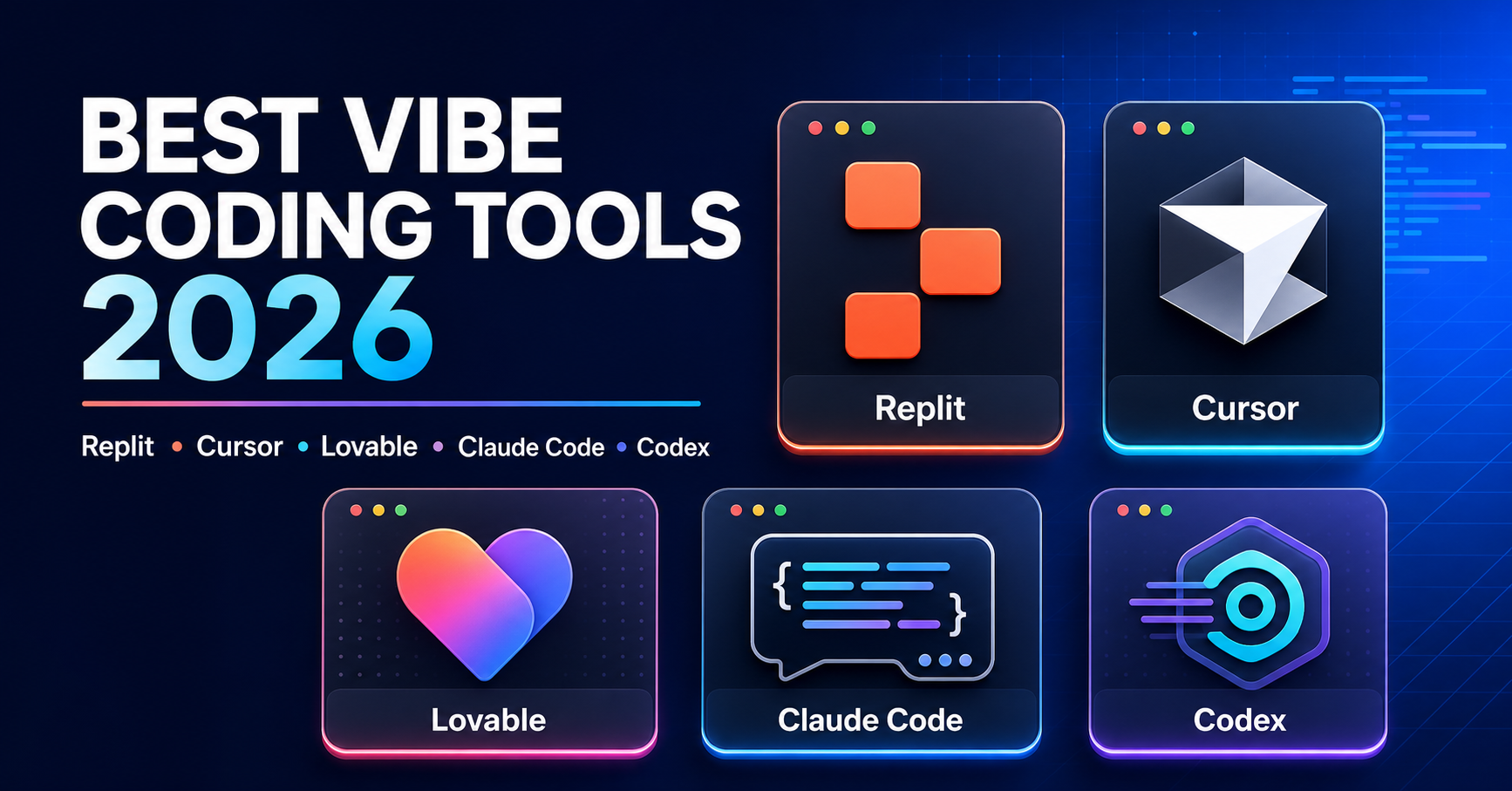
Replit vs Cursor vs Lovable vs Claude Code vs Codex: Which Vibe Coding Tool Is Best in 2026?
Last updated: August 17, 2026
Most comparisons of the best vibe coding tools make one basic mistake: they treat every platform as if it solves the same problem.
It does not.
Lovable helps a non-technical founder turn an idea into a web app. Cursor helps a developer work faster inside an AI-powered editor. Claude Code and Codex can operate across real repositories, while Replit combines AI development, infrastructure and publishing in one browser-based platform.
The right question is not, “Which AI coding tool is the most powerful?”
The better question is: Which tool matches your technical skills, project type and preferred workflow?
Quick answer:
- Best for non-coders: Lovable
- Best all-in-one app builder: Replit Agent
- Best AI editor for developers: Cursor
- Best terminal-first coding agent: Claude Code
- Best for parallel agents and repository work: OpenAI Codex
Best Vibe Coding Tools: Quick Comparison
| Tool | Best for | Coding skills? | Hosting | Starting price |
|---|---|---|---|---|
| Replit Agent | Building and publishing an app in one place | Not required for simple apps | Built in | Free; Core from $25/month |
| Cursor | Developers working with existing codebases | Yes | Not included | Free; Pro from $20/month |
| Lovable | Non-technical founders and fast web prototypes | Not required for prototypes | Built in | Free; Pro from $25/month |
| Claude Code | Terminal-based development, testing and refactoring | Yes | Not included | Claude Pro from $20/month or API usage |
| OpenAI Codex | Long-running repository tasks and parallel agents | Helpful, especially for production | Not general app hosting | Included across eligible ChatGPT plans; limits vary |
Prices and plan limits can change. Always confirm the latest information on the official product website before subscribing.
What Is Vibe Coding?
Vibe coding means describing the software you want in natural language and allowing an AI coding tool to generate, edit and sometimes test the code.
Instead of writing every line manually, you might ask:
- “Build a lead management dashboard for a real estate agency.”
- “Add login, user roles and a PostgreSQL database.”
- “Fix the mobile navigation and improve page speed.”
- “Run the tests and resolve any errors.”
The AI handles a large part of the implementation while you guide the result.
But vibe coding is not the same as traditional no-code development. Most AI coding tools generate real code. That gives you more flexibility, but it also creates responsibility for testing, security and maintenance.
Does Vibe Coding Require Coding Knowledge?
You can build a prototype without knowing how to code. Shipping a secure, scalable product is different.
Tools such as Lovable and Replit Agent can create a working web app from a plain-English description. A beginner can produce landing pages, internal tools, simple SaaS products and functional MVPs without manually writing code.
However, coding knowledge becomes more valuable when your project includes:
- Complex business logic
- Payment processing
- User authentication and permissions
- Customer or financial data
- Third-party APIs
- Performance requirements
- Security or regulatory risks
You do not necessarily need to become a full-time software engineer. But understanding frontend, backend, databases, APIs, version control, testing and deployment will help you identify problems before users do.
In plain language: no coding knowledge may be enough to start, but technical review is still important before going into production.
1. Replit Agent: Best All-in-One Vibe Coding Platform
Replit Agent is one of the easiest ways to move from an idea to a published application without managing several separate tools.
You describe your app in a chat interface. Replit can generate the code, connect authentication and database services, test parts of the application and publish it from the same browser-based environment.
Where Replit is strongest
- Browser-based development with minimal setup
- Built-in database and authentication services
- Integrated publishing and hosting
- Useful for internal tools, MVPs and educational projects
- Suitable for beginners who want to see and edit the generated code
Do you need coding skills for Replit?
Not for a simple prototype. Basic coding and debugging knowledge becomes helpful as the application grows.
Replit gives you more access to the underlying code than a purely visual builder. That is useful, but it also means you may eventually need to understand what the AI generated.
The main trade-off
Replit uses credits and effort-based AI pricing. Small changes may be inexpensive, while complex requests can consume more credits. The final cost can therefore depend on how much work the agent performs.
My view: Choose Replit when you want the AI builder, development environment and hosting under one roof.
2. Cursor: Best AI Coding Tool for Developers
Cursor is an AI-powered code editor built for people who already work with code.
It can search your codebase, edit multiple files, run terminal commands, explain unfamiliar code and help implement features. It feels closer to an AI-enhanced development environment than a no-code app builder.
Where Cursor is strongest
- Working with existing repositories
- Writing and editing code inside a familiar editor
- Codebase-aware assistance
- Fast inline suggestions and targeted changes
- Access to different frontier AI models
Do you need coding skills for Cursor?
Yes.
A beginner can use Cursor to learn or experiment, but the platform assumes you understand files, frameworks, errors, terminal commands and the development process.
Cursor can produce code quickly. You still need to know whether that code is correct.
The main trade-off
Cursor does not give you the complete idea-to-hosted-app experience that Lovable or Replit provides. You normally manage your own database, infrastructure, deployment and production monitoring.
My view: Choose Cursor if you already code and want AI integrated into your daily editor.
3. Lovable: Best Vibe Coding Tool for Non-Coders
Lovable is designed around a simple idea: describe the website or web application you want and refine it through conversation.
It is particularly effective for founders, marketers, product managers and designers who want a polished interface without starting inside a traditional code editor.
Where Lovable is strongest
- Fast web application prototypes
- Landing pages and SaaS interfaces
- Visual editing and conversational changes
- Built-in cloud services and publishing
- Custom domains on paid plans
- Low technical barrier for first-time builders
Do you need coding skills for Lovable?
No, not for prototypes and straightforward web applications.
Lovable is the most beginner-friendly option in this comparison. You can describe your idea, review the visual result and continue improving it without manually editing every file.
The main trade-off
Fast generation can create a false sense that the product is finished.
A polished interface does not automatically mean that the database design, permissions, error handling and security are production-ready. Complex backends or unusual business rules may still require a developer.
Lovable is also mainly focused on web applications. It should not be treated as a direct replacement for a native iOS or Android development stack.
My view: Choose Lovable when speed, simplicity and visual quality matter more than low-level technical control.
4. Claude Code: Best for Terminal-First Development
Claude Code is an agentic coding system that can read a codebase, edit files, run tests and work with command-line tools.
It is especially useful for debugging, large refactors, feature implementation and understanding an unfamiliar repository.
Where Claude Code is strongest
- Multi-file code changes
- Debugging and test-driven development
- Large or complex repositories
- Terminal and IDE workflows
- GitHub, GitLab and command-line integrations
- Refactoring and codebase explanation
Do you need coding skills for Claude Code?
Yes. Terminal, Git and software development knowledge are strongly recommended.
Claude Code may perform much of the implementation, but you need enough technical understanding to give it access safely, review its plan and verify its changes.
The main trade-off
Claude Code is more technical than Lovable or Replit. It works best when you already have a development environment and understand how your application is structured.
It also does not provide general-purpose hosting. Deployment happens through your existing tools and infrastructure.
My view: Choose Claude Code when you prefer terminal-based work and need an agent that can go deep into a real codebase.
5. OpenAI Codex: Best for Parallel Agents and Long-Running Tasks
OpenAI Codex is designed for end-to-end software engineering work across its desktop app, CLI, IDE integration and cloud environments.
Its strongest difference is not simply code generation. Codex can handle longer tasks, run commands and tests, review changes and coordinate multiple agents working on separate tasks or isolated copies of a repository.
Where Codex is strongest
- Long-running engineering tasks
- Working across complete repositories
- Running tests and commands
- Parallel agent workflows
- Feature development, migrations and refactoring
- Reviewing changes before they are accepted
Do you need coding skills for Codex?
Not necessarily for basic guided tasks, experiments or small prototypes.
For serious repository work, coding knowledge is strongly helpful. Someone must still define the requirements, review architectural decisions and confirm that the result is safe to deploy.
The main trade-off
Codex delivers the most value when it has a real project, clear instructions and a testing workflow. It is not primarily a visual website builder, and it does not replace your general hosting platform.
My view: Choose Codex when you want to delegate substantial repository work or supervise several AI agents from one place.
Replit vs Lovable: Which Is Better for Beginners?
Lovable has the lower learning curve.
It is the better choice when you want to describe a web app, see a polished result and continue making visual changes. It hides more of the traditional development environment.
Replit gives you a broader workspace. It combines app generation, code, databases, authentication, collaboration and deployment. This makes it more flexible, but slightly more technical.
- Choose Lovable for the easiest path from idea to web prototype.
- Choose Replit when you want an all-in-one platform with more access to the code and infrastructure.
Cursor vs Claude Code vs Codex: Which Is Better for Developers?
These three products are closer to developer tools, but their workflows are different.
- Cursor is best for active, hands-on coding inside an editor.
- Claude Code is best for terminal-first development and deep codebase tasks.
- Codex is best when you want to delegate longer tasks or manage parallel agents.
There is no rule saying you must choose only one.
A developer might use Cursor for daily editing, then delegate a large refactor to Claude Code or Codex. The tools can complement each other because they operate at different levels of the workflow.
The Most Practical Vibe Coding Workflow
For many founders, the best answer is a hybrid workflow:
- Use Lovable or Replit to turn the idea into a working prototype.
- Validate the idea with real users before adding more complexity.
- Move the project into Git and keep a clean version history.
- Use Cursor, Claude Code or Codex to improve the architecture, tests and production readiness.
- Ask a developer to review authentication, permissions, payments and sensitive data handling.
- Deploy only after testing the complete user journey.
This protects you from one of the biggest vibe coding mistakes: investing heavily in an application before proving that anybody wants it.
What to Check Before Publishing an AI-Generated App
Never assume that “the app works” means “the app is ready.”
Before publishing, check:
- Authentication and user permissions
- Database access rules
- API keys and environment variables
- Payment and refund flows
- Error messages and empty states
- Desktop and mobile layouts
- Page speed and accessibility
- Backups and version history
- Automated and manual tests
- Privacy and data protection requirements
AI makes development faster. It does not remove responsibility for the final product.
Frequently Asked Questions
What is the best vibe coding tool for beginners?
Lovable is the easiest option for most non-technical beginners who want to build a web application. Replit Agent is a strong alternative if you also want integrated code, databases and hosting.
Can I build an app without knowing how to code?
Yes, you can build a prototype or simple web app without coding knowledge. Production applications involving payments, customer data, complex permissions or unusual business logic should receive technical review.
Is Cursor better than Replit?
Cursor is better for developers working with existing code. Replit is better for people who want an all-in-one browser platform that can generate, run and publish an application.
Is Lovable better than Replit?
Lovable is generally easier for non-coders and visual web prototypes. Replit offers a broader development environment and more integrated technical services.
Which is better: Cursor, Claude Code or Codex?
Choose Cursor for interactive editor-based coding, Claude Code for terminal-first development, and Codex for longer delegated tasks and parallel agent workflows.
Which vibe coding tools include hosting?
Replit and Lovable include integrated publishing or cloud hosting options. Cursor and Claude Code normally use your own deployment stack. Codex can work with deployment tools but is not a general-purpose hosting provider.
Is vibe coding safe for production?
It can be, but only after proper testing and review. Generated code may contain security, performance or logic problems that are not obvious from the interface.
Final Verdict: Which Vibe Coding Tool Should You Choose?
There is no universal winner because these platforms are designed for different users.
- Choose Lovable if you do not code and want the fastest route to a polished web app.
- Choose Replit Agent if you want to build, run and publish from one browser-based platform.
- Choose Cursor if you are a developer who wants AI inside the editor.
- Choose Claude Code if you want a powerful agent working through your terminal and development tools.
- Choose Codex if you want to delegate longer repository tasks or coordinate parallel agents.
The best vibe coding tool is not the one that generates the most code.
It is the one that gives you the right balance of speed, control and responsibility for the product you are trying to build.
